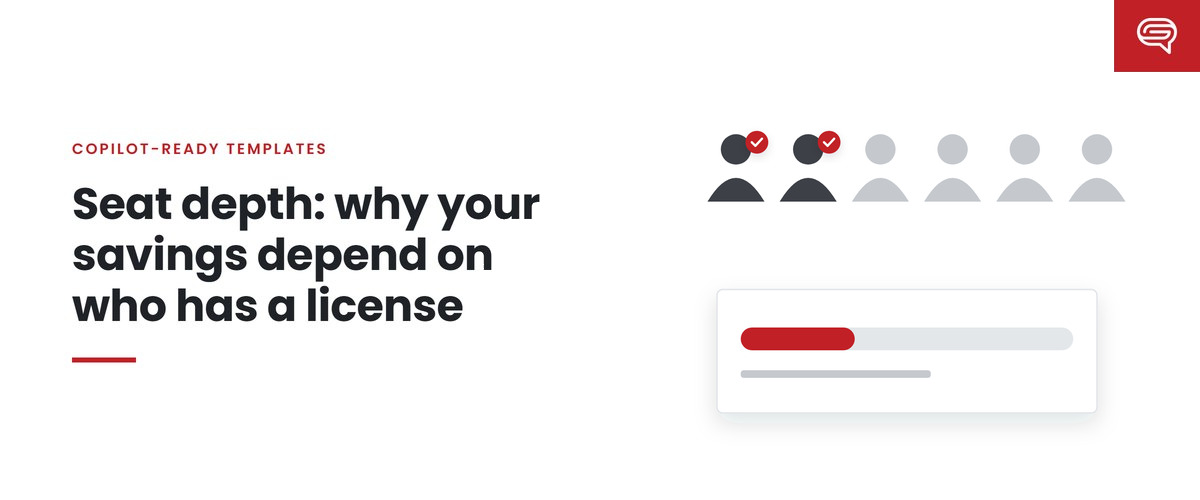
Two organizations can buy the same number of Microsoft 365 Copilot licenses and get very different returns on presentation work. One gives them to the executive team and a few senior managers. The other gives them to the people who actually build most of the organization’s decks: analysts, coordinators, account managers, project leads.
The difference is seat depth — how far down the organization licenses reach, and whether they land with the people who make presentations. It’s one of the least discussed variables in Copilot planning, and one of the most consequential for presentation value.
Who actually makes the decks
In many organizations, senior leaders present more than they build. The slides a vice president shows on Tuesday were often assembled by an analyst on Monday night, restructured by a manager, and polished by a designer or an agency. The people who spend the most hours inside PowerPoint are frequently not the people most likely to be first in line for a new license.
That matters because Copilot saves time for the person using it. A license held by someone who presents but rarely builds saves relatively little presentation time. A license held by someone who builds several decks a week has far more to work with.
How seat depth changes the math
Using a simple model of presentation value — hours saved per deck, times decks per year, times loaded hourly cost, minus the costs of running the system — seat depth affects two inputs directly.
Decks per licensed person. Deeper seats reach the people who produce more decks. The same license price is spread over more presentation work.
Which deck types are affected. Deeper seats reach more routine work — updates, briefings, internal proposals — which is exactly where generated drafts need the least judgment and the most formatting. Shallow seats concentrate licenses around high-stakes presentations, where experienced people still do most of the valuable work.
Neither of these means licensing everyone is right. Licenses cost the same whether they’re used for three decks a week or three a year. Microsoft’s US list price for Microsoft 365 Copilot enterprise was $30.00 per user per month paid yearly as of 22 September 2026, on top of a qualifying Microsoft 365 plan. The question is whether each license lands where the work is.
How seat depth changes the template
Seat depth has a second effect that’s easier to miss: it changes what the template has to handle.
When only senior people have Copilot, generated decks tend to be infrequent and closely watched. When licenses reach deep into the organization, generated decks become a large share of routine output — produced by many people with different skills, from different source material, for different audiences, mostly without review by the brand team.
That raises the stakes on everything the template teaches:
- Coverage — deeper seats bring a wider variety of deck types. Layouts and example slides need to cover what those people actually make.
- Density — analysts and coordinators often work from detailed source material. Examples need to show your heavier densities well, or generated decks overfill.
- Rules — people newer to your organization’s presentation habits benefit most from written rules in Brand Skills and note instructions.
- Enforcement — strict brand adherence, which restricts Copilot to approved layouts, becomes more valuable as more people generate decks — and more costly if the template has gaps.
Put simply: the deeper your seats, the more your template determines what the organization’s routine presentations look like.
Questions to answer before deciding
- Who builds most of our decks today? Not who presents them. Ask the design team where requests come from, and look at who creates presentation files.
- What deck types do those people make? Routine, important internal, high-stakes?
- How many decks do they make? A rough monthly estimate per role is enough.
- Does our template cover what they make? If licenses go deep, the template has to handle the everyday work of many roles, not just the showpieces.
- Who will review their output? Microsoft states that generated presentations should be human-reviewed. Deep seats mean many reviewers — mostly the people themselves.
A sensible approach
Many licensing decisions are made for reasons that have nothing to do with presentations — email, meetings, documents, data. That’s appropriate; presentations are one use among many. But if presentation work is part of the justification, it’s worth:
- identifying the roles that build decks most often and checking whether they’re licensed;
- piloting with a mix of builders, not only presenters;
- measuring fix-up time for generated decks from each group;
- preparing the template for the breadth of work deep seats will bring.
Common questions
Should we license everyone?
Licensing decisions usually rest on many uses besides presentations. If presentations are part of the case, make sure the people who build decks are among those licensed.
Does seat depth change what the template needs?
Yes. Deeper seats bring a wider variety of deck types and more people generating decks without brand review, so coverage, density examples and written rules matter more.
How do we find who builds decks?
Ask the design team where requests come from, and look at who creates presentation files. The answer may be more junior than expected.
Key takeaways
- Seat depth — how far licenses reach and whether they land with deck builders — strongly affects presentation value.
- Senior people often present more than they build; builders are where presentation time is spent.
- Deeper seats spread license cost over more routine work, where generated drafts are most useful.
- Deeper seats also make the template more consequential: more coverage, more density, more rules, more enforcement.
- Find out who builds your decks before deciding who gets licenses.
Licensing deep into the organization? Have your template scored before it has to carry everyone’s decks.
Related reading
- Where the savings in generated decks come from, and where they leak
- Why a beautiful template can still produce generic Copilot decks
- How many example slides does a Copilot template need?
Sources
- Microsoft, Microsoft 365 Copilot — enterprise (list price checked 22 Sep 2026)
- Microsoft Support, Create a new presentation with Copilot in PowerPoint (June 2026)
- Microsoft Support, Manage template settings in your Brand Kit for Copilot in PowerPoint (August 2026)