For most of its life, a corporate PowerPoint template has been a modest asset. It set the colors and the logo, gave people a head start, and was mostly ignored by anyone who knew what they were doing. The best decks in the company were good despite the template, because a skilled person made them good.
That relationship has quietly inverted. With Copilot in PowerPoint generating presentations for employees, and Microsoft now letting organizations lock Copilot to their approved template, the template has become the ceiling on the quality of thousands of decks nobody in marketing will ever see. This is worth thinking through, because it changes what the template is worth and who should care about it.
How the template got promoted
Three changes, in sequence, turned the template from a starting point into a control point.
Copilot learns from it. Microsoft’s guidance for Copilot in PowerPoint describes the template’s sample slides as Copilot’s primary learning source, its placeholders as the map of where content goes, and its theme as the source of colors and fonts. When there aren’t enough sample slides, Microsoft says Copilot falls back to the Slide Master, “which may result in less optimal output.” In other words, Copilot’s output is shaped by what the template teaches.
Employees use Copilot for everyday decks. Updates, briefings, internal proposals, first drafts. The work that used to be done badly by hand, or waited in a design team’s queue, increasingly starts with a prompt.
The template can now be enforced. In September 2026, Microsoft introduced strict brand adherence, a Brand Kit setting that restricts Copilot to the approved template and slide master layouts. Copilot can’t create new layouts or add or remove placeholders, and employees can’t override the setting.
Put those together and the logic is simple. The template teaches Copilot. Copilot makes a large share of the company’s routine decks. And the template can now be made mandatory. So the template sets the upper limit on what those decks can be.
Ceiling, not floor
People often describe a template as a floor: it stops the worst mistakes — the wrong logo, the wrong colors. That was always true, and it still is.
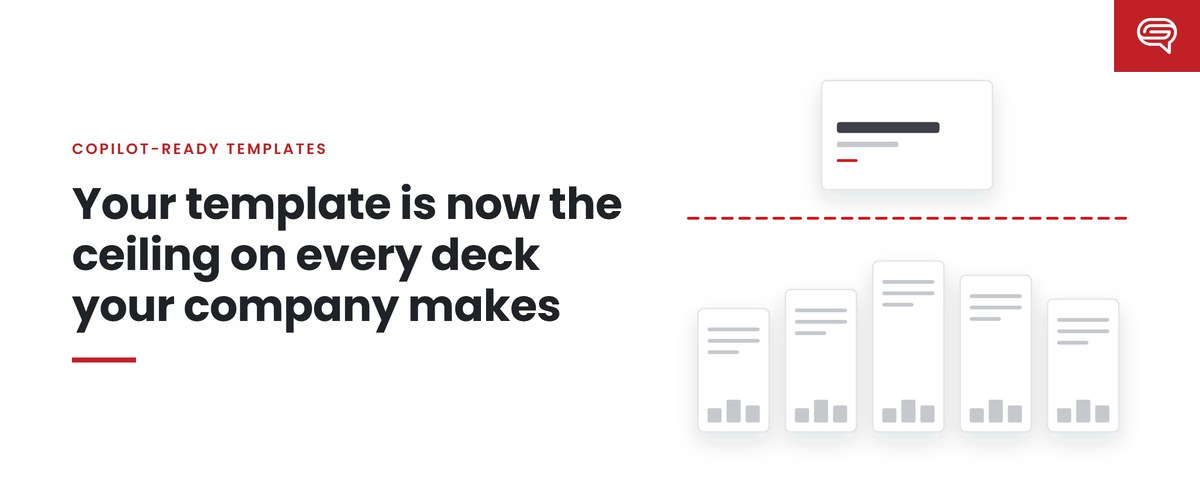
What’s new is the ceiling. A skilled person using a weak template can rise above it, because they bring their own judgment about hierarchy, density and structure. Copilot learns those things from the template. If the template doesn’t demonstrate good hierarchy, Copilot doesn’t reliably produce it. If the template has no example of a strong data slide, generated data slides won’t be strong. If a layout for comparing options doesn’t exist, comparisons get squeezed into whatever does — and with strict mode on, there’s no escape hatch.
So a template that was “good enough” as a floor can be a very low ceiling.
Why this is a leadership issue, not a design detail
It’s tempting to treat this as a technical matter for the design team or IT. It’s more than that, for three reasons.
Scale. A weakness in one designer’s deck affects one deck. A weakness in the template affects every deck Copilot generates from it, every day, across the organization.
Invisibility. Most generated decks never pass through marketing. They go from an employee’s screen to a meeting room or an inbox. The first time leadership sees the template’s limits may be in a deck a customer received.
Accountability. When a generated deck embarrasses the company, someone will ask who was responsible for the template. In Microsoft 365, the honest answer is the brand manager — the role that controls the official Brand Kit and its template settings. If nobody has been deliberately given that role, the answer is nobody.
What a template worth locking looks like
If the template is now the ceiling, raising the ceiling means building a template for how Copilot learns, not just for how people use it. Concretely:
- Theme-defined brand. Colors and fonts in the theme, not painted onto shapes, so everything Copilot creates inherits them.
- Layouts for real jobs. One layout per real communication job — comparison, process, highlighted statistic, timeline — built from correctly typed, correctly sized placeholders.
- Example slides that teach. Finished slides showing each job done well, at the light, medium and heavy densities Microsoft recommends, with realistic but durable content.
- Rules where Copilot reads them. Note instructions in template speaker notes and Brand Skills published through Brand Kit, rather than guidance in a PDF.
- Tested before it’s locked. A fixed set of realistic prompts, run before and after changes, so you know what the template actually produces.
- Owned after launch. A named brand manager, and a routine for re-testing as Microsoft changes the product — which, in September 2026, it did twice.
None of this is exotic. It’s the work good presentation designers have always cared about. What’s changed is the return on it. The same effort that once improved one deck now improves every deck Copilot helps make.
The question to ask this quarter
If you lead marketing or brand, one question captures all of this: if we switched on strict brand adherence tomorrow, would we be happy with every deck our template produced?
If the honest answer is “I don’t know,” that’s the finding. The template is already shaping those decks, locked or not. The only choice is whether it does so on purpose.
Key takeaways
- Copilot learns from your template, makes a growing share of routine decks, and can now be locked to the template.
- That makes the template the ceiling on generated decks, not just a floor against mistakes.
- Weaknesses scale, are invisible to marketing, and land on whoever owns the brand manager role.
- Raise the ceiling with a theme-defined brand, real layouts, teaching examples, written rules, testing and ownership.
Would you be happy with every deck your template produces? Have your template scored and find out.
Related reading
- Strict brand adherence: what Microsoft’s template lock does and doesn’t do
- The Copilot-ready template checklist
- Getting approved images into generated decks: Brand Kit and your asset library
Sources
- Microsoft Support, Keep your presentation on-brand with Copilot (July 2026)
- Microsoft Support, Manage template settings in your Brand Kit for Copilot in PowerPoint (August 2026)
- Microsoft 365 Message Center, MC1470415 (10 Sep 2026) and MC1473166 (16 Sep 2026)