Creating engaging PowerPoint design videos for your presentations involves a few key steps to ensure your content is both visually appealing and effective in conveying your message. Here are some practical tips to help you achieve this:
- Plan Your Content: Start by outlining the key points you want to cover in your video. This will help you stay focused and ensure that your message is clear and concise.
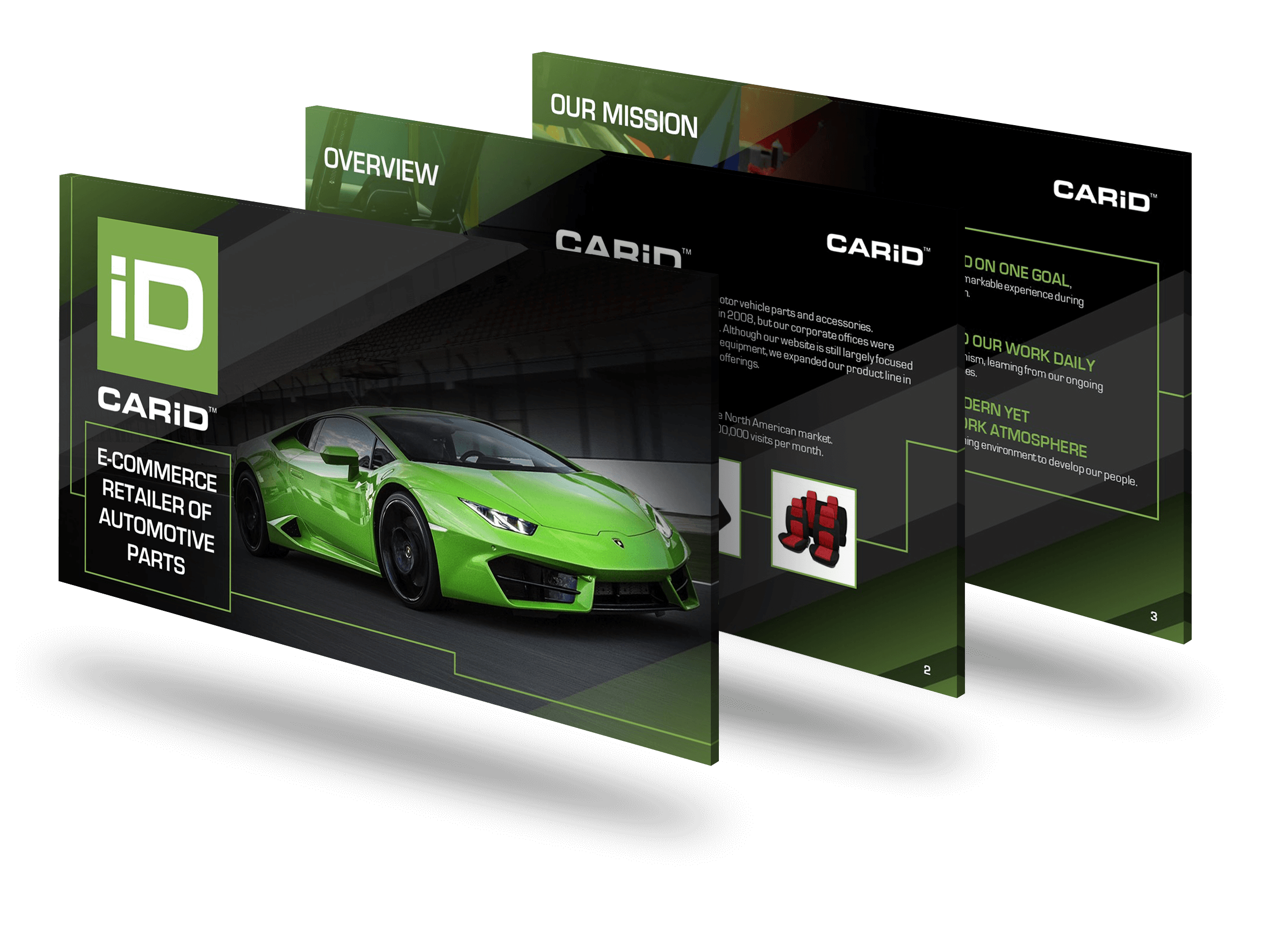
- Use High-Quality Visuals: Incorporate high-resolution images, icons, and graphics that are relevant to your topic. Visuals should enhance your message, not distract from it.
- Incorporate Animations and Transitions: Use animations and transitions to keep your audience engaged. However, use them sparingly to avoid overwhelming your viewers. Subtle animations can help emphasize key points and make your presentation more dynamic.
- Add Voiceover or Background Music: A professional voiceover can guide your audience through the presentation, making it more engaging. Background music can also set the tone, but ensure it doesn’t overpower the narration.
- Keep It Concise: Attention spans are short, so keep your video brief and to the point. Aim for a length that covers your content thoroughly but doesn’t drag on.
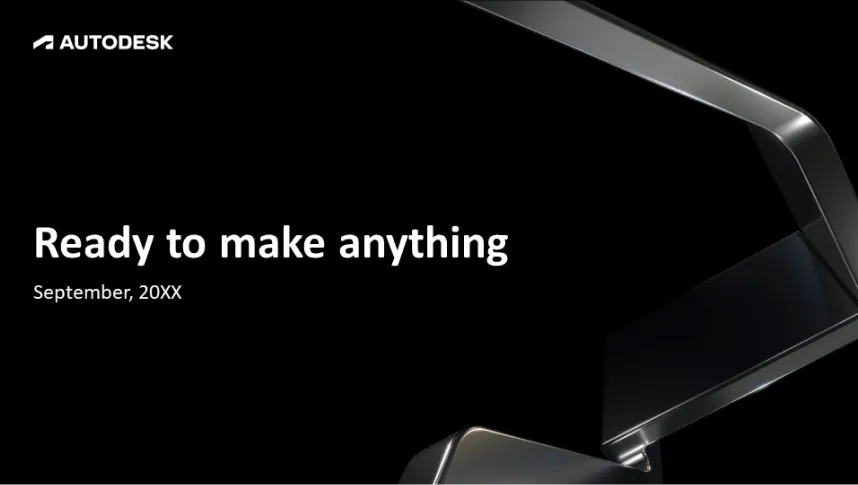
- Use Consistent Branding: Maintain a consistent look and feel throughout your video. Use your brand’s colors, fonts, and logos to create a cohesive experience.
- Leverage Professional Tools and Expertise: Consider using advanced tools and seeking professional expertise to elevate the quality of your video. Professionals can offer design insights and technical skills that can make a significant difference in the final product.
By following these steps, you can create PowerPoint design videos that are not only engaging but also effectively communicate your message.
View Our Presentation Portfolio