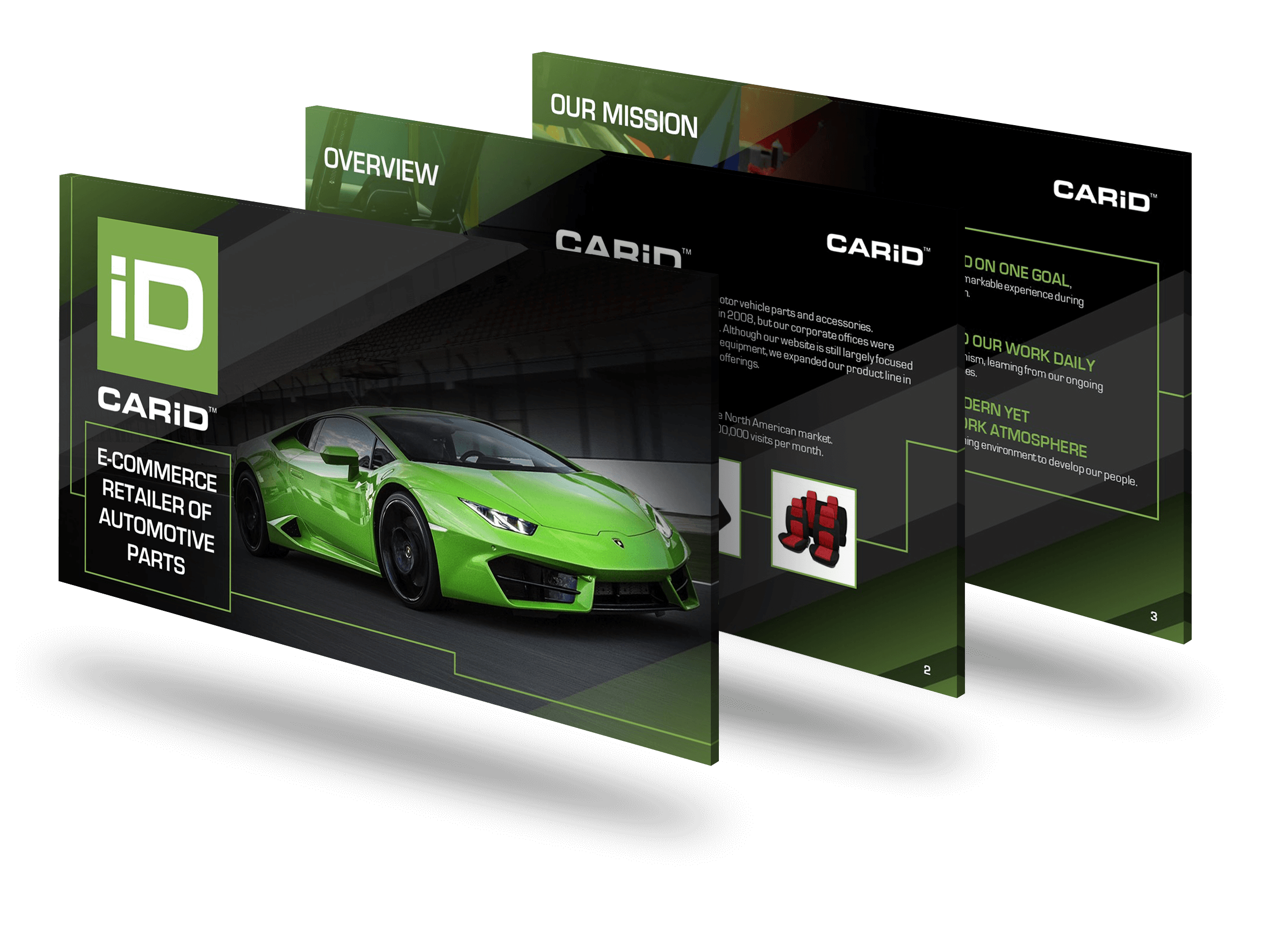
Creating an effective presentation using Intel’s tools and resources involves several key steps to ensure your message is clear, engaging, and impactful. Here’s a concise guide to help you leverage these tools effectively:
- Understand Your Audience: Before diving into the tools, take time to understand who your audience is and what they care about. Tailoring your content to their needs and interests will make your presentation more relevant and engaging.
- Utilize Intel’s Design Templates: Intel offers a variety of professionally designed templates that can save you time and ensure a polished look. Choose a template that aligns with your presentation’s theme and objectives.
- Incorporate High-Quality Visuals: Use Intel’s extensive library of high-resolution images, icons, and graphics to enhance your slides. Visuals can help break up text, illustrate points, and keep your audience engaged.
- Leverage Intel’s Data Visualization Tools: If your presentation includes data, Intel’s tools can help you create clear and compelling charts and graphs. Effective data visualization can make complex information more accessible and memorable.
- Focus on Clear and Concise Content: Keep your slides uncluttered by focusing on key points and using bullet points or short sentences. Avoid overwhelming your audience with too much information on one slide.
- Practice with Intel’s Presentation Software: Use Intel’s software to rehearse your presentation. This can help you get comfortable with the flow of your slides and ensure that your timing is on point.
- Engage with Interactive Elements: Intel’s tools often include features for adding interactive elements such as clickable links, embedded videos, and animations. These can make your presentation more dynamic and engaging.
- Seek Feedback and Iterate: Before finalizing your presentation, seek feedback from colleagues or mentors. Use their insights to refine your slides and delivery.
By following these steps and utilizing Intel’s robust suite of tools and resources, you can create a professional and effective presentation that resonates with your audience.
View Our Presentation Portfolio