“How much does a Copilot-ready template cost?” is a fair question with an unsatisfying honest answer: it depends, a lot. Two organizations with templates that look similar can need very different amounts of work, because the cost is driven less by how the template looks than by what’s underneath it and what your people need it to do.
We don’t publish a rate card for full builds yet. We start every engagement with a fixed-price audit, precisely because the scope of the rest depends on what the audit finds. What we can do is explain the factors that drive the cost, so you can anticipate scope, compare quotes sensibly, and decide where to spend.
The seven cost drivers
1. The state of the theme
If your brand colors and fonts are properly defined in the theme, this part is quick. If they’ve been painted onto elements by hand — common in long-lived templates — every layout needs re-pointing to theme colors and fonts. Microsoft’s guidance is to define colors and fonts in the theme, because anything Copilot creates takes them from there. The more layouts and hardcoded values, the more work.
2. The number and condition of layouts
A template with a focused set of well-built layouts needs little structural work. One with many layouts, several masters, duplicate covers, text boxes where placeholders should be, and decoration overlapping content areas needs cleanup and rebuilding. Microsoft recommends real placeholders instead of text boxes, and non-overlapping placeholders kept clear of decoration.
3. Coverage gaps
Layouts your people need but the template lacks have to be designed from scratch. Gaps matter more with Copilot because, with strict brand adherence on, it can’t create a layout to fill them.
4. The example set
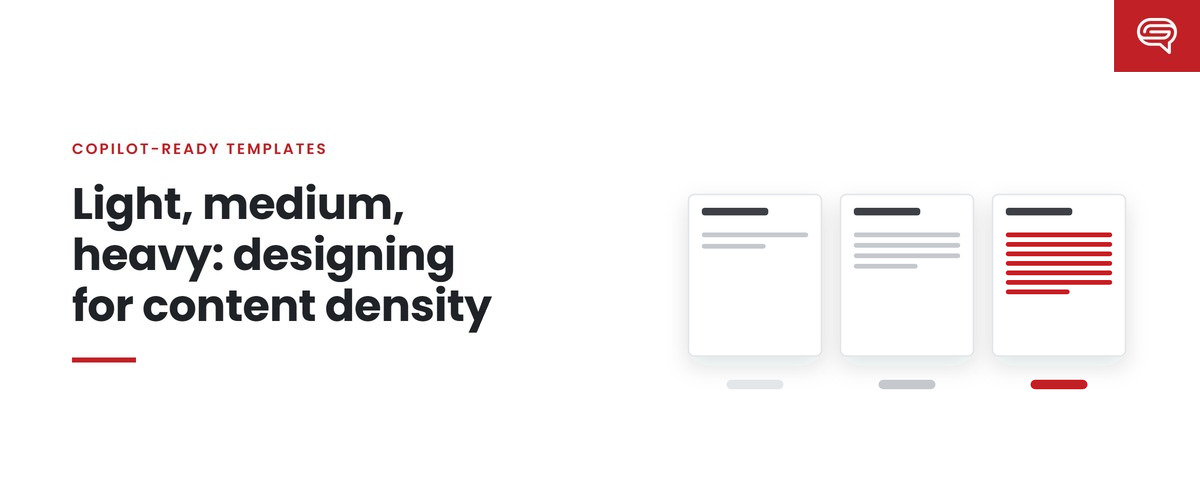
The most variable driver. Microsoft describes sample slides as Copilot’s primary learning source and asks for examples across the slide types an organization uses, at light, medium and heavy densities. How many examples your organization needs depends on the variety of presentations your people make: more deck types, more densities and more distinctive patterns mean more examples. Each is a finished, designed slide with realistic, durable content.
5. Brand complexity
A single brand with one audience is simpler than a master brand with sub-brands, regional variations or distinct external and internal styles. Multiple official Brand Kits are supported, but each kit’s template and examples need building and testing.
6. Rules and constraints
Written rules — note instructions and Brand Skills — take time to draft, test and revise. Regulated organizations need more: protected disclosure slides, rules against unsupported claims, and testing designed to tempt omissions and invented figures.
7. Testing depth
A fixed prompt set, a baseline run, scored output, diagnosis, changes and re-runs. More deck types and higher stakes justify a larger test set and more iterations.
Costs after launch
The build isn’t the whole cost. The platform changes — Microsoft made two significant template-related changes in September 2026 alone — and your organization changes. Upkeep, at least quarterly, is an ongoing cost whether it’s done in-house or by a partner. Budget for it at the start rather than discovering it a year later.
How to reduce cost without cutting what matters
Start with an audit. It’s the cheapest way to find out which drivers apply to you, and it prevents paying for work you don’t need.
Clean up before you build. Removing duplicate and unused layouts reduces everything downstream: fewer layouts to rebuild, fewer examples to design, fewer choices for Copilot to get wrong.
Build examples from real decks, not wish lists. The right example set covers what your people actually make. Examples for deck types nobody produces cost money and can dilute what Copilot learns.
Prioritize by volume. If budget is limited, cover the most common routine deck types first — that’s where generated decks are most frequent — and extend coverage later.
Keep rules short. A handful of tested rules outperforms a long, untested document.
Do the mechanical work in-house if you have capacity. Re-pointing colors and rebuilding placeholders is methodical; example design and testing method are where outside experience tends to add most.
Where not to cut
Testing. A template that hasn’t been tested with realistic prompts is a guess. Skipping testing saves a little up front and risks multiplying flaws across every generated deck.
Example quality. Examples are the teaching material. Cheap examples teach cheap patterns.
Upkeep. A system nobody looks after degrades quietly until someone sends the wrong deck.
Comparing quotes
When comparing proposals, check that they cover the same scope. A lower quote that excludes examples, testing or upkeep isn’t cheaper; it’s smaller. Ask each provider:
- Does the price include an audit, and will we see the findings?
- How is the number of example slides determined?
- Is testing with a fixed prompt set included, and will we see the output?
- Are note instructions and Brand Skills included?
- What happens after launch, and what does it cost?
Key takeaways
- Cost depends on what’s underneath the template and what your people need, not on how it looks.
- Seven drivers: theme state, layout condition, coverage gaps, the example set, brand complexity, rules, and testing depth.
- The example set is the most variable driver; its size follows from the variety of decks your people make.
- Reduce cost with an audit, cleanup, real-deck examples, volume priorities and short rules.
- Don’t cut testing, example quality or upkeep, and compare quotes on the same scope.
Want to know which drivers apply to you? Start with a fixed-price audit — have your template scored.**
Related reading
- In-house or outside help: costing a Copilot template project
- A bad template, multiplied by every Copilot user
- Seat depth: why your savings depend on who has a license
Sources
- Microsoft Support, Keep your presentation on-brand with Copilot (July 2026)
- Microsoft Support, Manage template settings in your Brand Kit for Copilot in PowerPoint (August 2026)
- Microsoft Support, Create and manage official Brand kits (July 2026)
- Microsoft 365 Message Center, MC1470415 and MC1473166 (Sep 2026)