Many articles online provide profound insights on how to charm your audience, retain attention when speaking in public, or create the best presentation for the right purpose. And for the most part, there have been similarities that can be seen in almost every piece. One of the many from presentation experts is: “Don’t ever use bullet points. You don’t need them.”
What warranted the general avoidance? Is it because it’s primarily considered the reason for death by PowerPoint (DbP)? If you consider bullet upon bullet in different slides, then sure, you can call the whole thing as walls of text. Given that humans favor the visual over the textual, audiences will be bored by all the reading.
But did you know “death by bullet points” exists? Symptomatic, not synonymous, to DbP, overuse and misuse of bullet points have always been every audience member’s nightmare. And it has happened more than once, much to the annoyance of the crowd. Does that mean that bullet points should be avoided?
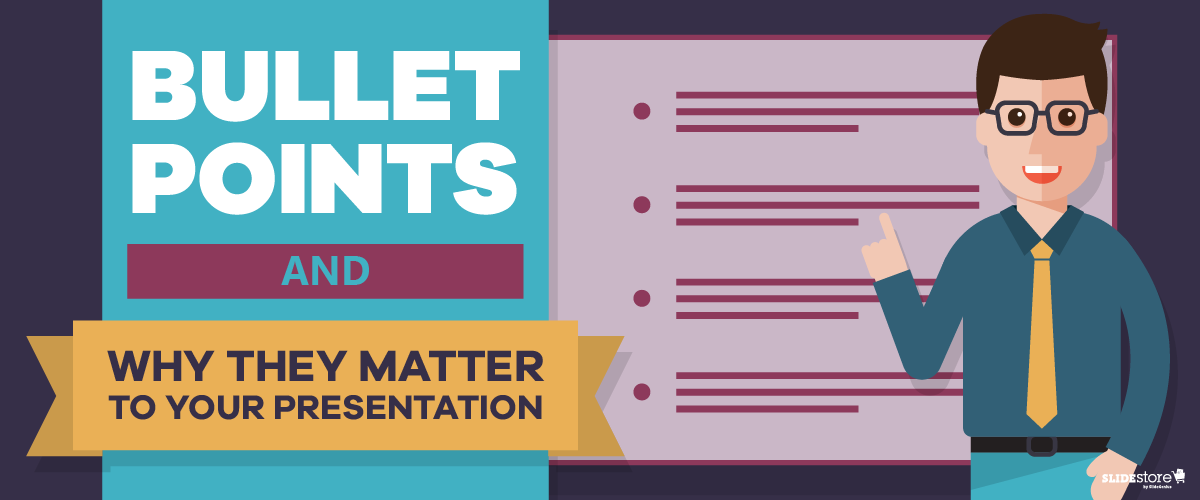
Not necessarily. Bullet points are useful in specific situations, and in the proper context, they’re your best tool. Here are a few reasons why they matter.
Optical Break
Reading can be strenuous for the eyes, especially when you have a big block of text in one slide. While seeing this word wall can be intimidating for some, others would just outright not read it. Those who attempt will find themselves blinking more since their eyes dry out from, unsurprisingly, not blinking (because they’re reading).
Bullet points put line breaks on long passages, not just with the negative space from the background but also with clear markers on where a specific item begins and ends. Shorter bits of text are more welcome since they’re easier to understand, digest, and remember. Any form of relaxation is pleasant for your eyes.
Organized Information
In the same way that your eyes need a break, your brain also needs a breather when trying to comprehend a long paragraph—much less a lengthy sentence. This is where bullet points shine.
Dissect the text, then separate and summarize the main points. Those summations can then be what you can put on your bullets. That brevity is already a big plus; how much more if they’re fascinating?
Think of bullet points as the “too long; didn’t read” (TL;DR) version, the abridged edition, of your long paragraph. By bulleting the main points, you can shorten a sixty-word section to merely a fraction of that, saving your audience’s time. Plus, they get to listen to you more.
Overall Readability
Which would you rather see: a big block of words or a bulleted list? Which of the two is cleaner and easier on the eyes and is therefore more readable? Most, if not all, would say the latter, especially when the layout is planned properly. With the former, you risk instances of misreading since there are too many words and lines all bunched up in one place.
Keep your slides neat and tidy by having few words—and relatively fewer bullet points—in them. Prevalent enough is the 6×6 rule, stating that you should have no more than six bullets with six or fewer words each in a slide. There’s also the “three words and four bullets per slide” rule.
The Last Bullet Point
There’s a reason why bullet points are overused, and consequently are now being mistreated for it. Just like the Comic Sans fiasco, most people are tired of seeing bullets in almost every presentation they attend. However, that’s not a reason to ignore and neglect the importance and benefits of using this tool.
Of course, you should always exercise moderation; there is such a thing as death by bullet points. A good way to avoid that is by not overloading your slides with bullets, which can be just as bad as a wall of text. In short, know when and when not to use them.
Your slides are your visual aid, so making them clean is on you—and for your audience.
Resources:
Bruce, Robert. “8 Quick Tips for Writing Bullet Points People Actually Want to Read.” Copyblogger. February 7, 2012. www.copyblogger.com/writing-bullet-points
Clark, Brian. “Little Known Ways to Write Fascinating Bullet Points.” Copyblogger. October 23, 2006. www.copyblogger.com/little-known-ways-to-write-fascinating-bullet-points
Crerar, Paula. “PowerPoint Bullet Points: Do We Need Them?” Brainshark. January 24, 2012. www.brainshark.com/ideas-blog/2012/January/powerpoint-bullet-points-do-we-need-them
Paradi, Dave. “How to Write Powerful Bullet Points.” Think Outside the Slide. n.d. www.thinkoutsidetheslide.com/how-to-write-powerful-bullet-points
“10 Ways to Avoid Death by Bullet Points.” Presentitude. March 4, 2015. www.presentitude.com/10-ways-avoid-death-bullet-points
“Comic Sans: Why All the Hate?” Snapily. January 8, 2013. www.snapily.com/blog/comic-sans-why-all-the-hate