Converting a PDF document into a professional pitchbook involves several key steps to ensure the final product is polished and effective. Here’s a step-by-step guide to help you through the process:
- Extract Content: Begin by extracting the text, images, and any other relevant content from your PDF. This can be done using various PDF conversion tools available online or through software like Adobe Acrobat.
- Organize Information: Once you have all the content, organize it logically. A professional pitchbook typically includes an introduction, company overview, market analysis, financial projections, and a conclusion. Ensure each section flows seamlessly into the next.
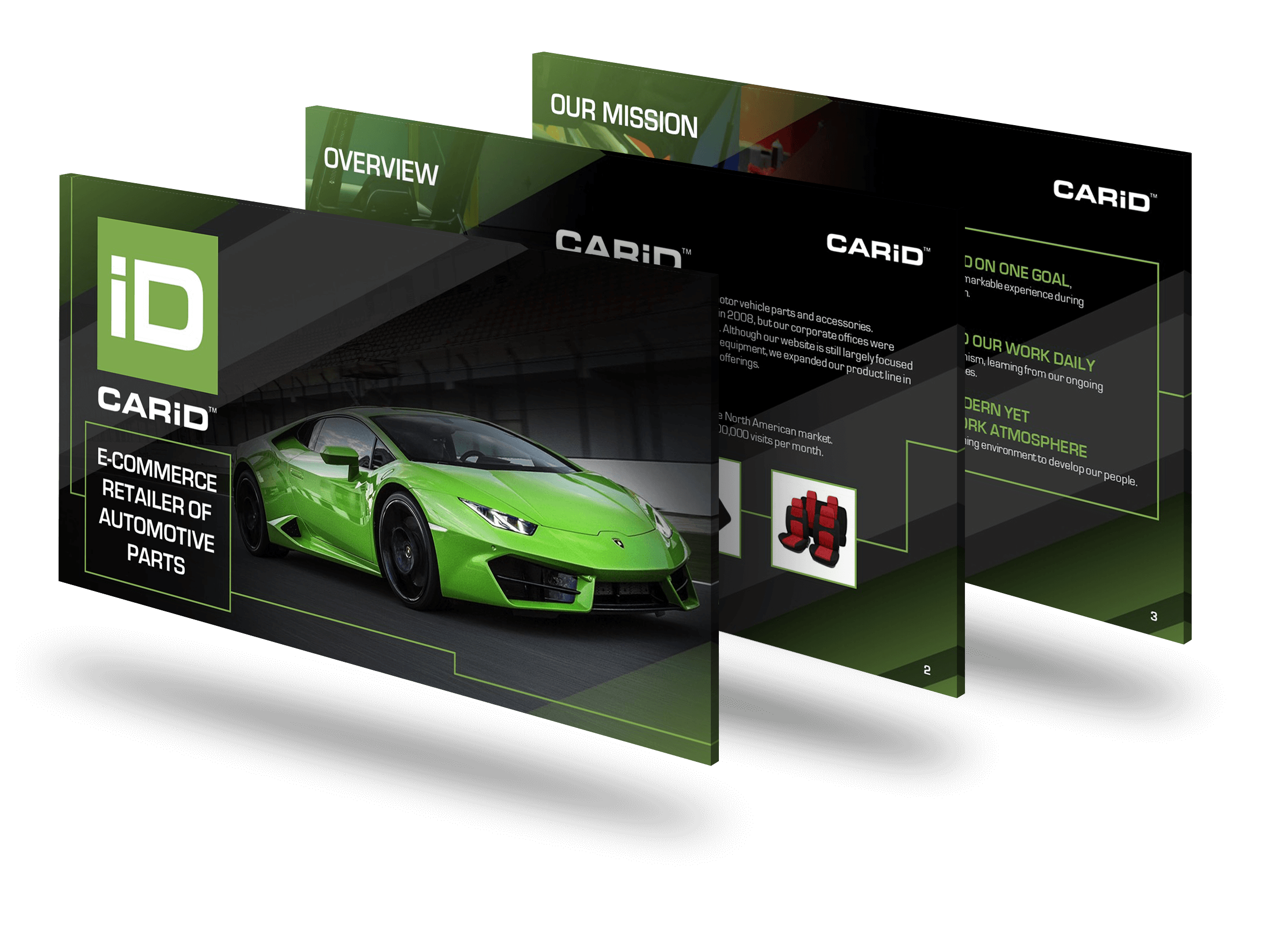
- Design Layout: Choose a clean, professional layout that aligns with your brand’s identity. Use consistent fonts, colors, and spacing to maintain a cohesive look. Tools like PowerPoint, Keynote, or specialized design software can be very helpful here.
- Enhance Visuals: Incorporate high-quality visuals such as charts, graphs, and images to make your pitchbook more engaging. Visual aids can help convey complex information more clearly and keep your audience’s attention.
- Add Branding Elements: Include your company’s logo, color scheme, and other branding elements to give your pitchbook a professional touch. This helps in reinforcing your brand identity throughout the presentation.
- Review and Edit: Proofread the content for any grammatical errors or inconsistencies. Ensure that all data is accurate and up-to-date. It’s often helpful to have a colleague review the pitchbook to catch any mistakes you might have missed.
- Finalize and Export: Once you’re satisfied with the design and content, export your pitchbook into a format that’s easy to share, such as PDF or PowerPoint. Ensure that the final file is optimized for both digital viewing and printing.
By following these steps, you can transform your PDF document into a professional pitchbook that effectively communicates your message and impresses your audience. For those seeking a more streamlined and expertly crafted solution, consider leveraging professional presentation design services to ensure your pitchbook stands out.
View Our Presentation Portfolio