Designing an interactive PowerPoint presentation to boost audience engagement for sales enablement involves a combination of strategic content creation, proper visual design, and the use of interactive elements. Here’s how you can accomplish this:

Strategic Content Creation
Start by identifying your audience’s needs and interests. Use this information to create content that is relevant and engaging. Remember, the goal is to provide value to your audience and convince them of the benefits of your product or service. Be concise and clear, focusing on the most important points. Use storytelling techniques to make your presentation more engaging and memorable.
Proper Visual Design
Visual design plays a crucial role in capturing and maintaining your audience’s attention. Use a consistent color scheme and font style throughout your presentation. Make sure your slides are not cluttered and the text is easy to read. Utilize infographics, images, and videos to support your points and make the content more digestible. Keep in mind that each slide should convey a single idea.
Interactive Elements
Interactive elements can significantly boost audience engagement. These can include quizzes, polls, and interactive infographics. You could also incorporate elements such as hyperlinks to additional resources or hidden slides that can be revealed as needed. These elements not only make your presentation more engaging, but they also allow for a two-way interaction between you and your audience.
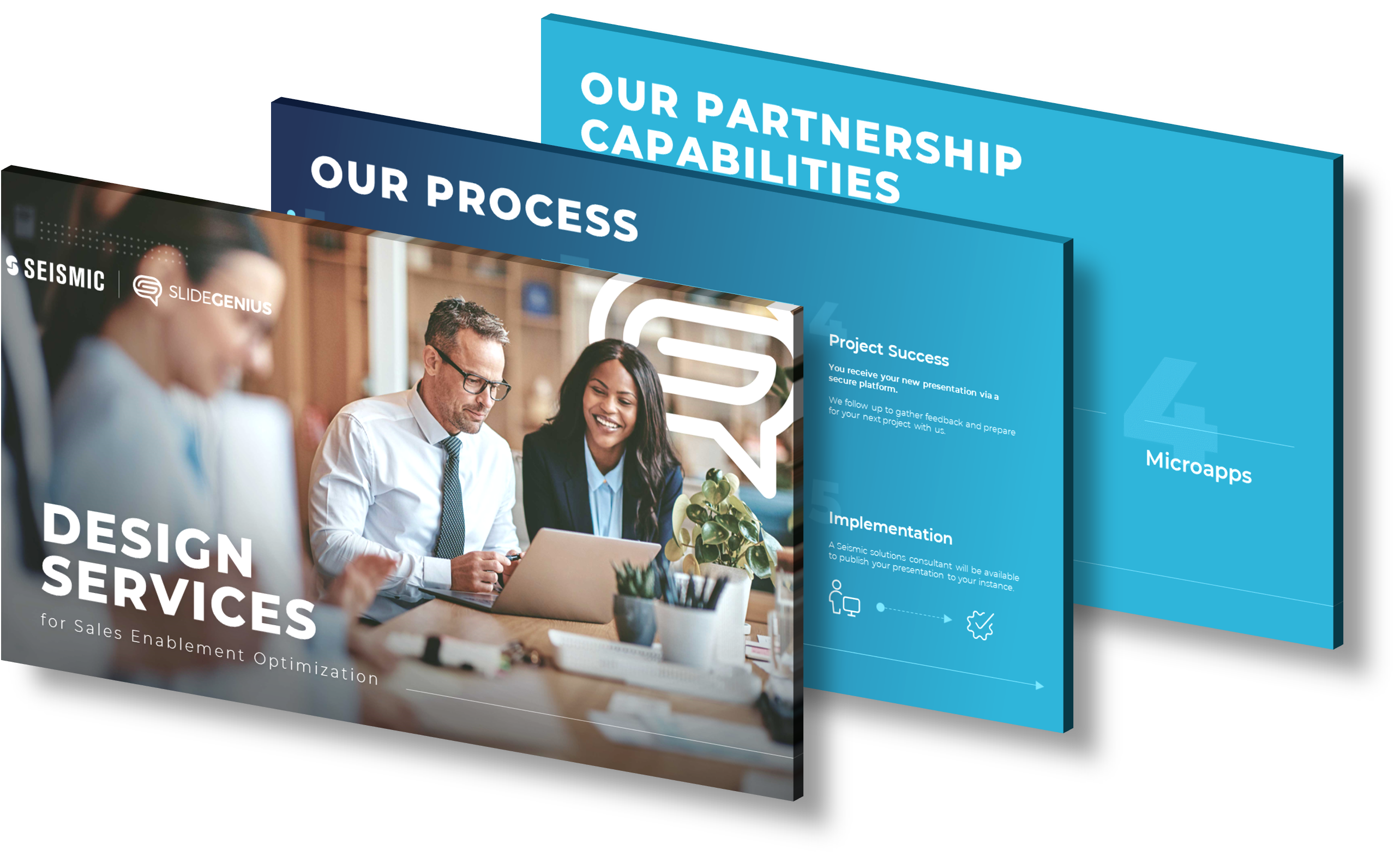
If you need help designing an interactive PowerPoint presentation, SlideGenius offers professional PowerPoint design services. Our team of expert designers can create a custom, interactive presentation that will captivate your audience and effectively convey your sales message.
View Our Presentation Design Portfolio